
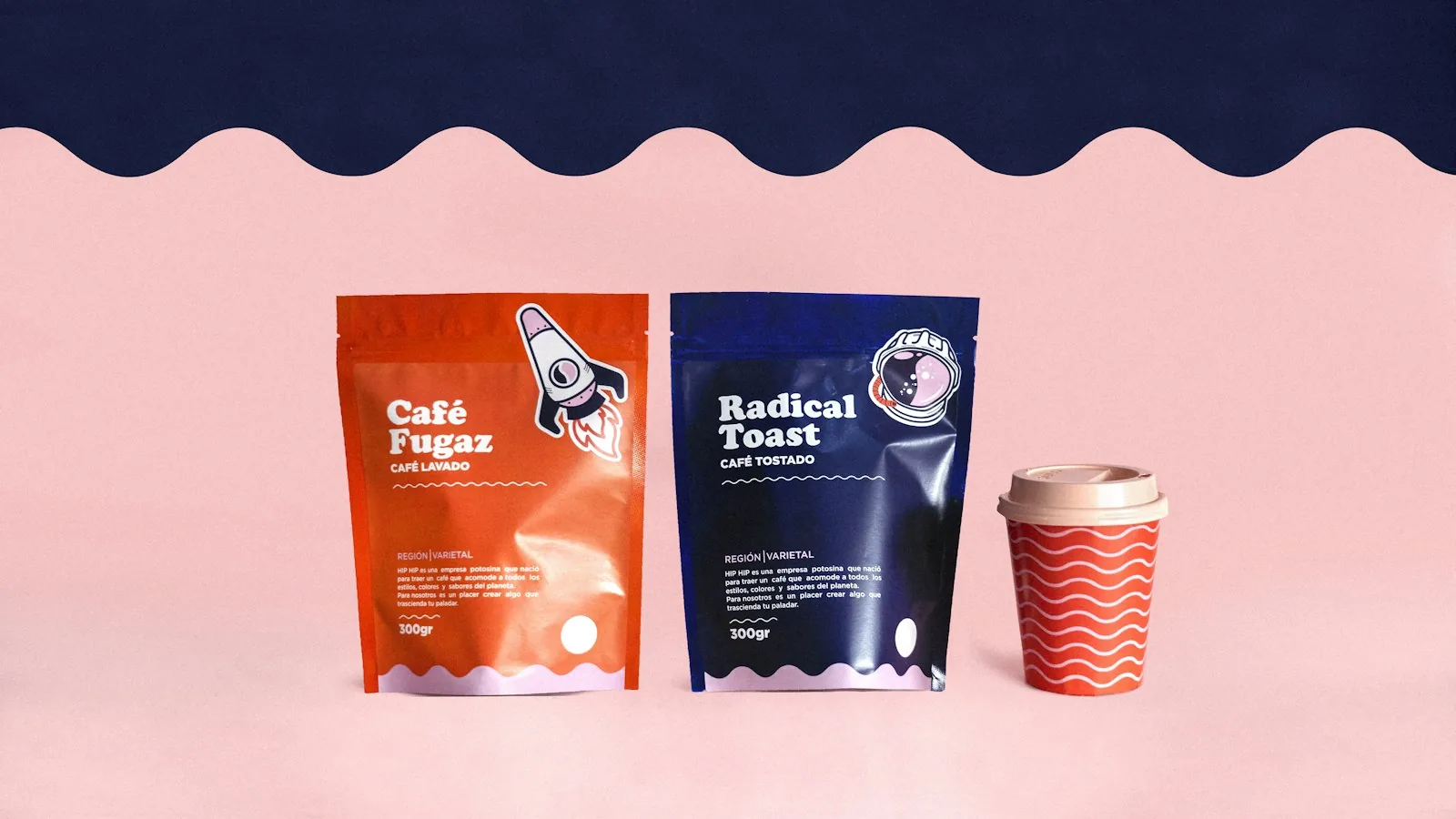
Brand fonts are the typefaces your business uses for its name, headings and text. Choosing them takes a few decisions made once and written down, which saves a great deal of guessing later.
Choose brand fonts by deciding the personality you need, then pick one font for headings and one for body text. Two families are enough for most small businesses. Check that the fonts stay readable at small sizes, cover every language you use, and come with a licence for each way you will use them. Licences differ, so read the licence.
What brand fonts are and what they do
Brand fonts are the typefaces a business uses for its name, headings and text, chosen once and applied everywhere. Strictly, a typeface is the design, such as a particular serif, and a font is one weight or style of it, such as bold italic. Most people use the two words interchangeably, and this guide does the same when the difference does not matter.
Type does two jobs. It has to be read, and it carries a mood before any word is understood. A heavy, tightly spaced font feels different from a light, open one. Readability comes first, because a brand that nobody can read on a phone screen or a delivery label has failed at the basic job. Fonts are one part of a visual identity. Our guide to brand identity vs logo vs branding shows how they sit alongside the logo, colours and voice.
How to choose brand fonts, step by step
- Write the personality in a few words. Take them from your positioning. If you have not yet decided who the brand is for, do that first; the guide to brand positioning shows how.
- List where text will appear: website, app, invoices, proposals, signs, packaging, video and social graphics. A font that suits a shop sign may fail in a spreadsheet.
- Choose a heading font and a body font. The body font does most of the work, so choose it for readability first.
- Test with real content: your business name, a long paragraph, a price list, a table of numbers and a line of small print. Placeholder text hides problems.
- Check readability on a phone, at small sizes and on a printout.
- Check that the fonts include every character and script you need.
- Read the licence for each font and each use.
- Record the choices in your style guide.
Do the licence check before you fall in love with a font. A font that does not fit your uses is easier to drop on day one than after the website and signs are made.
Serif, sans serif and other styles
Fonts fall into a few broad families, and knowing the names helps when you brief a designer.
- Serif fonts have small strokes at the ends of the letters. Sans serif fonts do not.
- Slab serif fonts have heavy, block-like serifs.
- Script fonts imitate handwriting or calligraphy.
- Display fonts are drawn for large sizes, such as headlines and posters.
- Monospaced fonts give every character the same width. They are used for code and for some technical looks.
Associations vary. A serif does not always feel traditional, and a sans serif does not always feel modern, so judge each font by how it looks and by what your customers make of it. Script and display fonts are hard to read in paragraphs, so keep them for a logo or a single headline. Body text needs a font designed to be read at small sizes, with clear differences between similar shapes. One quick test is to type a capital I, a lowercase l and the number 1 side by side, and the same for the letter O and the number 0. If you cannot tell them apart, the font will confuse readers with codes, prices and addresses.
How many fonts should a brand use?
Two is enough for most small businesses: one for headings and one for body text. A single family with several weights can do the whole job. A third font needs a clear role, because every extra font makes materials less consistent and, on a website, adds files to download.
| Role | Used for | Notes |
|---|---|---|
| Heading font | Page titles, posters, signs, the business name in text | Can have more character, since it is used large and briefly. |
| Body font | Paragraphs, forms, menus, documents | Should be plain and comfortable at small sizes. |
| Accent font, optional | Quotes, labels, numbers | Add it only if the design needs it and you can name its job. |
When pairing two fonts, choose ones that differ clearly in style, such as a serif heading with a sans serif body, or use two weights of one family. Avoid two fonts that are similar but not the same, because the difference looks like a mistake. Build hierarchy from size, weight and spacing, not from adding fonts.
Readability and accessibility
Test your fonts at the sizes you will really use, on the devices your customers carry, and on paper. Thin weights that look elegant in a logo can vanish in small print. Long passages set entirely in capitals are tiring to read. Line spacing and line length matter as much as the font itself.
For the web, the W3C's Web Content Accessibility Guidelines (WCAG) say that text should be resizable up to 200 percent without loss of content or functionality. A brand font used on a website needs to hold up when a visitor enlarges it. Contrast between text and background is a separate check and is covered with colour choices.
Check numerals as well as letters. Prices, dates, phone numbers and reference codes are where an unclear font does the most harm.
Font licences: what to check
Font licences differ, and a font being installed on your computer does not mean you may use it everywhere. Read the licence for every font you intend to use, and keep a copy. Fonts reach businesses in several ways: sold by type foundries and independent designers, released under open licences, and bundled with operating systems or office software. The terms differ between those groups and within them. This is general information, not legal advice, so ask a lawyer about anything that matters.
These are the questions to answer from the licence itself.
- Is commercial use allowed? A font that is free to download is not always free for commercial use.
- Which uses are covered? Licences are often separate for desktop software, such as documents and print, for websites, for apps and for video. If you need several, check each.
- Are there limits on the number of users, devices or website visitors? Some licences set them.
- May the font be used in a logo? Some licences allow it, and some exclude it or ask for extra permission.
- May you edit, convert or embed the font? Converting a font to another file format, or building it into an app, is often covered by separate terms.
- Who is the licence holder? The business should be named, and the designer or agency that bought the font should not be the only name on it. A licence bought by a supplier for its own use may not cover you.
- Does the licence say how a web font must be served? Some do.
- Does the licence expire or renew? Some are subscriptions and can end.
If a designer or agency chooses the fonts, ask which licences they hold, what each covers and whether the licence or a copy passes to you at handover. Keep proof of purchase and the licence text with your brand files. Fonts bundled with an operating system or office suite are licensed for particular uses, and those may not extend to logos, websites or apps, so read their terms too. If a font does not cover your uses, choose another early.
Fonts on websites and in apps
A website font is a file that the visitor's browser downloads. WOFF2 is the W3C Recommendation for packaging fonts used on web pages, and your developer will usually supply fonts in that format when the licence allows it. Every weight and style is a separate file, so list the ones you will use and drop the rest to keep pages quick. Also choose a fallback font, a common font already on the visitor's device, so that text stays readable while the brand font loads or if it fails.
Apps bundle their fonts inside the app, and the licence has to allow that. If your brand will appear in Japanese, Arabic or another script, check that the font includes those characters. Many fonts cover only Latin letters, and when characters are missing the device substitutes another font, which can look uneven. Choose a matching font for each script and have a native reader check real text.
Finally, test on a real, text-heavy page before you commit. An About Us page works well, because it has headings, paragraphs, quotes and contact details. Our guide to writing an About Us page says what that page should contain.
Writing your fonts into the brand guidelines
A font choice that lives only in the designer's files will be lost within a year. Record these items in the brand style guide.
- The exact font names and weights for headings, body text and any accent.
- Where each is used, with sizes and line spacing for headings, body text and captions.
- A fallback font for documents and email, for computers that do not have the brand font installed.
- The licence details and where the licensed files are stored.
- The lettering of the logo, named separately from the text fonts.
- Examples of correct and incorrect use.
If you would like an outside team to choose and test fonts as part of a full identity, the branding service page describes that work.
Common mistakes when choosing brand fonts
- Choosing a font because it looks good in the logo, then finding it fails in body text.
- Using too many fonts.
- Setting paragraphs in a script or display font.
- Skipping the licence check, then finding it does not cover websites or apps.
- Not recording the fonts, so each supplier picks a similar one.
- Testing only English text when the business trades in other languages.
- Leaving the licence in the designer's name.
Questions and answers
How do I choose fonts for a brand?
Start with the personality you want, then choose one font for headings and one for body text. Test them with your real content on a phone and on paper, check that they include every character and script you need, and read the licence before you commit.
How many fonts should I use?
Two is enough for most small businesses: one for headings and one for body text. One family with several weights can work alone. Add a third only if it has a clear job, because each extra font makes materials less consistent and adds files to a website.
What should I check about font licences?
Check whether commercial use is allowed, which uses are covered (desktop, website, app or video), any limits on users, devices or traffic, whether the font may be used in a logo, and if your business is the named licence holder. Licences differ, so read each one and ask a lawyer if unsure.
Can I use free fonts for a business?
Sometimes. Some free fonts carry open licences that allow commercial use, and others are free for personal use only. Read the licence for each font and keep a copy with your brand files.
Should my logo font match my brand fonts?
Not necessarily. Many logos use custom lettering, or a font chosen only for the logo. If the logo uses a standard font, check that its licence allows logo use. Name the logo lettering separately from the text fonts in your style guide.
What is the difference between a typeface and a font?
A typeface is the design, and a font is one weight or style of it. In everyday speech people say font for both. For a brand the difference matters when you buy, because a licence may cover only some styles.
Do I need different fonts for print and screen?
Usually the same family works for both, but a font that looks fine large on screen can be thin in small print, so test both. Check the licence as well, since desktop, web and app uses are often licensed separately.