In short
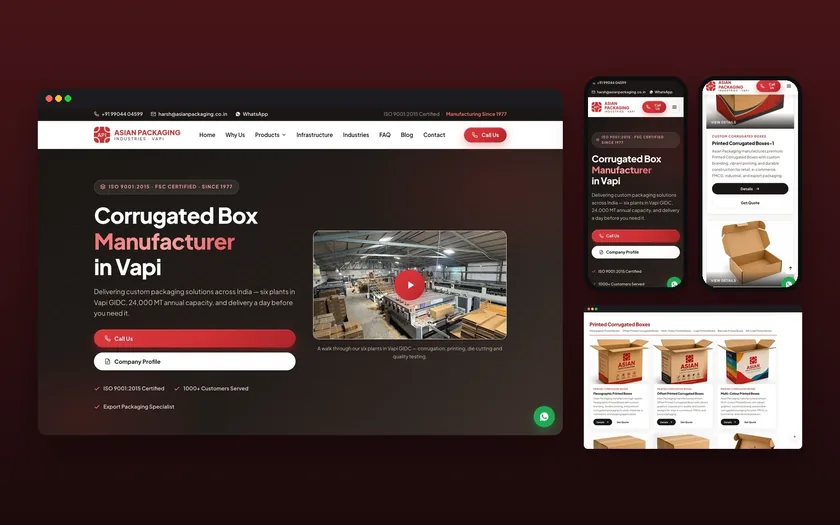
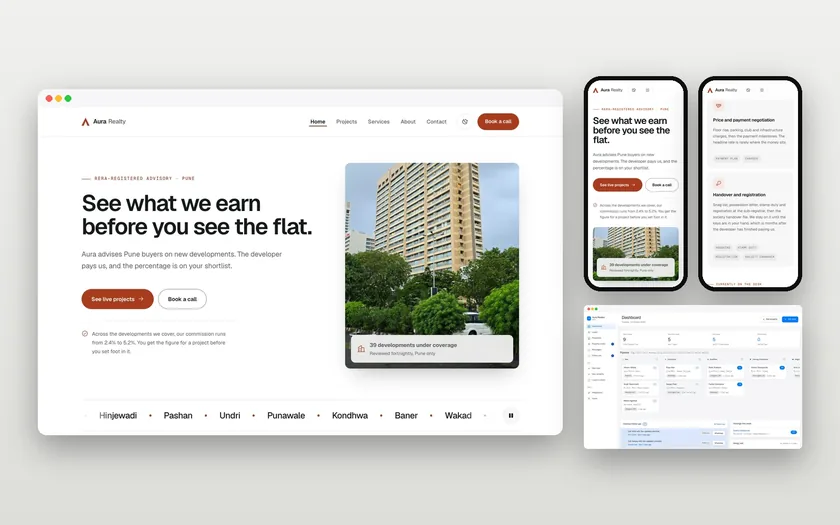
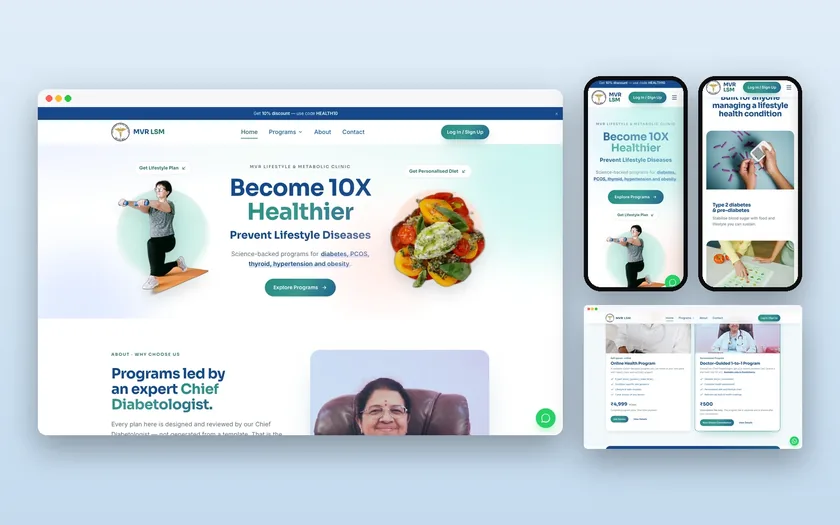
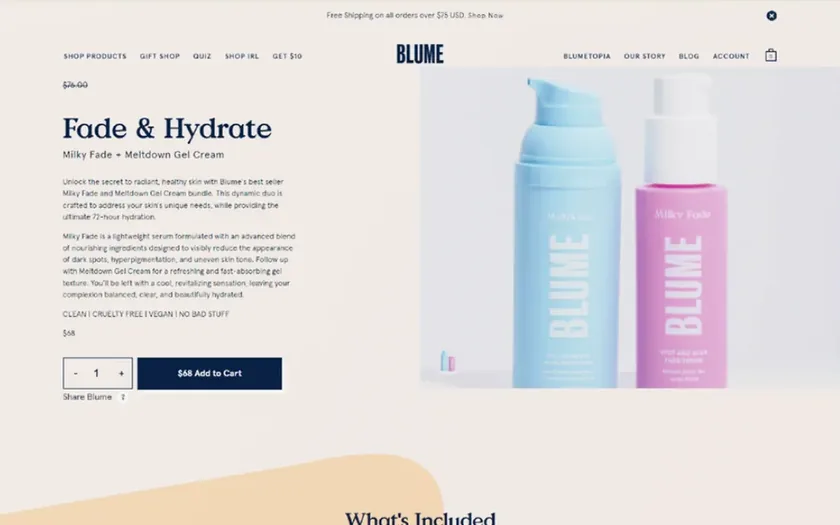
Liftup Technologies designs restaurant websites around the questions hungry people ask: what is on the menu, are you open, can I book, how do I get there. We build a fast mobile site with a real HTML menu, a link to your booking or ordering tool, and a catering form for larger orders.
On this page 7 sections
How diners use a restaurant website
A restaurant website is rarely read. It is checked. A guest wants four things in under ten seconds: the menu, opening hours, the address, and a way to reserve or order. Anything that slows those four answers costs you a booking.
The most common failure we see is the menu uploaded as a PDF. On a phone it loads slowly, needs zooming, and cannot be read by search engines or screen readers. A menu written as ordinary page text loads fast, can be updated in a minute and shows up when someone searches for a dish.
Search habits matter too. People type the cuisine plus a place, such as brunch near me or Thai restaurant open late. Those searches are answered mostly by your Google Business Profile and your menu page, so both need to match.
Pages and features a restaurant site needs
| Page or feature | Why it matters | How we build it |
|---|---|---|
| Menu page | The most visited page; guests also search for dishes | Plain text sections by course, with dietary tags and a last-updated date |
| Reservations | Turns a visit into a booking | A button that opens your existing tool, for example OpenTable, Resy or SevenRooms, or a simple request form |
| Online ordering link | Takeaway and delivery are often the larger share of orders | A prominent link to Toast, Square, ChowNow or your own ordering page, not a copy of the menu with different prices |
| Hours and location | Asked on every visit | Click-to-call, map link and holiday hours that you can change yourself |
| Private dining and catering | High-value enquiries that a phone call loses | A short form asking date, guest count and budget, sent to one inbox |
| Allergen and dietary page | Trust and safety for guests with restrictions | A plain table you maintain with your kitchen team |
| Gallery and about | Sets the mood and shows the room | Compressed photos that do not slow the page |
We leave out autoplay video, sliders over the menu and pop-ups that block the booking button. They look busy in a demo and cost you speed on a phone.
Seasons, specials and things that change weekly
Restaurants change more often than most businesses. Seasonal menus, holiday opening times, Valentine's Day and Mother's Day bookings, Christmas parties and Thanksgiving or Easter set menus all need a page that someone on your team can edit without a developer.
We set up your menu and notices as simple editable fields. On WordPress that is a custom menu editor. On Webflow it is a CMS collection. Your manager changes a price or marks a dish as unavailable and the page is live in minutes. We write a one-page guide for your staff so the site does not go stale.
What matters for restaurants
Menu, hours, booking and ordering are the whole job; PDFs and slow galleries lose customers.
Rules that can apply to restaurants
- EU food information rules for distance selling: Food sold online in the EU (Regulation 1169/2011, Article 14). Official page
- FDA menu labeling: US chains with 20 or more locations, including online menus. Official page
Systems restaurants usually connect to
- Online ordering
- Reservations such as OpenTable or Resy
- POS such as Square or Toast
- Delivery platforms
Which of these apply to restaurants depends on where you operate and where your customers are. Not legal advice.
Want this for your business?A short call, a written plan and a fixed quote.
Get my free quoteLocal search, reviews and your Google profile
For a restaurant, the Google Business Profile often matters more than the website. It shows the map pack, photos, hours and reviews. Your site should agree with it in every detail: name, address, phone number, hours and menu link.
We add structured data for the restaurant, its menu and opening hours so search engines can read them. We also make sure the booking link on your profile points at the same place as the button on your site. For a deeper plan, see our local SEO service and the local SEO checklist.
How the project runs
- Short callWe learn your cuisine, booking tool, ordering platform and the top three things guests ask you.
- Menu and page planYou send the menu, photos and hours. We agree the page list and the booking path.
- Design and buildWe design the home page and menu page for mobile first, then build, then connect the booking and ordering links.
- Staff handoverA short recorded walk-through shows your team how to edit the menu and holiday hours.
- Launch and checkWe test on real phones, test the forms and confirm the Google profile matches the site.
We work remotely from Pune, India, with calls booked in your working hours. Calls are booked in your working hours, which for a restaurant usually means mid-afternoon between lunch and dinner service.
What it costs
A single-location restaurant with a menu, a booking link, a catering form and an about page sits near the start of that range. Several locations, a custom ordering flow or a gift card shop add hours.
Three things move the price: how many locations you run, whether ordering stays with a third-party tool or is built into the site, and how much photography and copy you need us to supply. You get a fixed quote within one working day of the call. For general numbers, read our website cost guide.
Sources: W3C: Web Content Accessibility Guidelines overview, Google Search Central: Local business structured data.
Updated 25 November 2026