Web performance
Core Web Vitals checklist
Three numbers describe how a page feels: how soon the main content appears, how quickly it responds and how much it jumps. Here are the thresholds, the usual causes and the checks to run.
4 min read · By the Liftup team in Pune




350+businesses served
8countries
7+years















In short
Core Web Vitals are three field measurements: Largest Contentful Paint should be 2.5 seconds or less, Interaction to Next Paint 200 milliseconds or less, and Cumulative Layout Shift 0.1 or less, each at the 75th percentile of real visits. Fix the slowest templates first, test with field data, and use lab tests to find causes.
Rather have it done for you? See our technical SEO service, from $1,500.
On this page 5 sections
The thresholds and where the data comes from
| Metric | What it measures | Good | Poor |
|---|---|---|---|
| LCP (Largest Contentful Paint) | Time until the main content is visible | 2.5 s or less | Over 4 s |
| INP (Interaction to Next Paint) | How fast the page responds to taps and clicks | 200 ms or less | Over 500 ms |
| CLS (Cumulative Layout Shift) | How much visible content moves unexpectedly | 0.1 or less | Over 0.25 |
INP replaced First Input Delay as the responsiveness metric in March 2024. Each page is judged at the 75th percentile, meaning three out of four real visits must meet the threshold. The numbers that count come from the Chrome User Experience Report, which Search Console and PageSpeed Insights both show as field data, over a rolling 28 days.
Lab tools such as Lighthouse run one simulated visit. Use them to find causes. Use field data to decide whether you have a problem.
Symptom, cause and fix
| Symptom | Usual cause | Fix | Our note |
|---|---|---|---|
| Slow LCP on the home page | Large hero image or slider | Resize, compress, serve modern formats, preload the image | Never lazy-load the first visible image |
| Slow LCP on all pages | Slow server response | Caching, better hosting, fewer database calls | Measure time to first byte before touching the front end |
| Slow LCP on mobile only | Render-blocking CSS and scripts | Inline critical CSS, defer the rest | Test on a mid-range phone |
| High INP after tapping a menu | Long scripts on the main thread | Split or delay heavy scripts; remove unused tags | Third-party scripts are the usual cause |
| High INP on filters or forms | Heavy event handlers or large page size | Debounce input, reduce DOM size | Check pages with thousands of elements |
| Page jumps when images load | Images with no width and height | Set dimensions or aspect ratio | The easiest win on most sites |
| Page jumps when fonts load | Font swap changes text size | Preload fonts, match fallback metrics | Limit the number of font files |
| Page jumps when banners appear | Cookie bar or promo inserted late | Reserve space for it | Overlays can sit above content instead of pushing it |
Rather have it done for you?Talk to a person now, or ask for a fixed quote. We reply within one working day.
Checklist by metric
LCP
- Find the LCP element on each key template. Our note: it is usually a hero image or a heading, and the fix depends on which.
- Serve the main image at the size it displays. Our note: a 4,000 pixel image in a 600 pixel slot wastes load time.
- Preload the LCP image and avoid lazy-loading it.
- Check server response time and caching. Our note: slow hosting cannot be fixed in the theme.
INP
- List every third-party script: chat, analytics, tag manager, heatmaps, reviews. Our note: remove any that nobody reads.
- Delay non-essential scripts until the user interacts or the page is idle.
- Keep the page structure light. Our note: a very large DOM slows every interaction.
- Test real interactions, such as opening the menu, applying a filter or adding to cart.
CLS
- Set width and height on every image and video.
- Reserve space for ads, embeds, banners and late-loading widgets.
- Avoid inserting content above existing content after load.
- Check animations: use transforms instead of properties that move the layout.
How we test
- Read field data firstOpen the Core Web Vitals report in Search Console. It groups URLs by template and shows which fail on mobile or desktop.
- Pick one URL per failing groupFixing a template fixes the group, so test a single representative page.
- Run a lab testUse PageSpeed Insights or the browser's performance panel to see the LCP element, long tasks and layout shifts.
- Fix, then waitShip one change at a time. Field data updates over 28 days, so judge results after the window, not after a day.
- Re-check after every releaseNew plugins, apps and banners regress scores quietly. Add a check to your release routine.
You can run a quick page check with our Core Web Vitals checker.
Two examples of what to prioritize
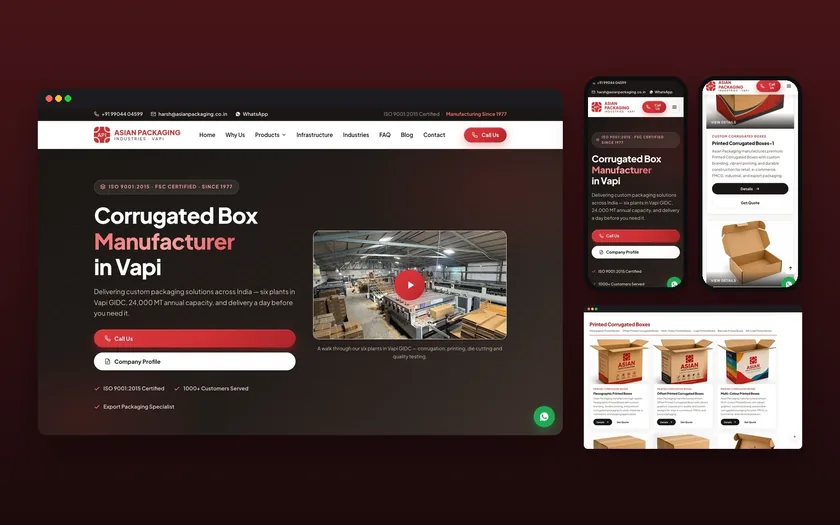
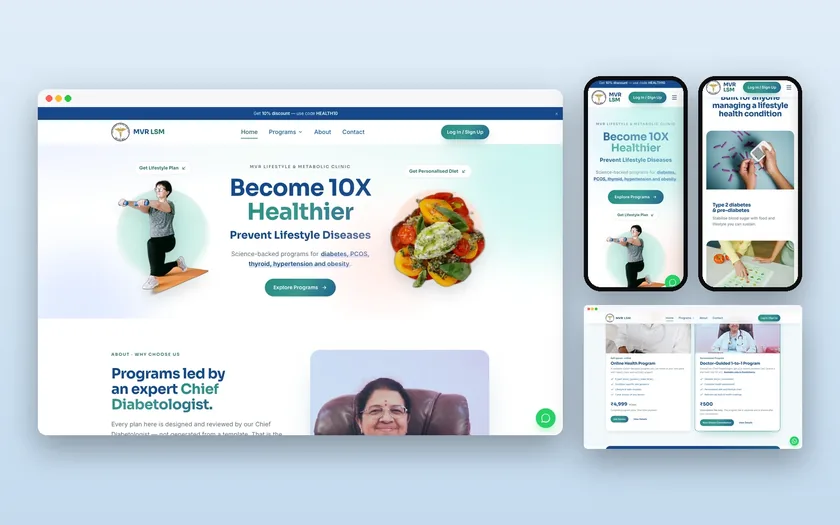
For campaign pages built to a deadline, such as the landing pages we delivered for Interakt in two weeks on WordPress, speed was part of the brief from day one. Light templates and few scripts are easier to keep fast than a fix after launch.
For an online store such as Blume, the worst offenders are usually app scripts and large product images. Remove what is not earning its place before you tune what remains.
Be honest about the payoff. Passing the thresholds is a small ranking signal and a real improvement in how a site feels. It rarely beats weak content. Fix it because slow pages lose visitors, and treat any ranking gain as a bonus.
A downloadable copy of this checklist is meant to be offered on this page for your developer. Related work: website maintenance keeps scores from drifting.
Speed is one part of a wider site check. See the website audit checklist beyond SEO.
Updated 20 November 2026
Questions, answered
Something else on your mind? Ask us directly or WhatsApp us. We reply within one working day.
What are good Core Web Vitals scores?
Do Core Web Vitals affect rankings?
Why is my lab score good but Search Console says poor?
How long until improvements show in Search Console?
Which fix should I try first?
Keep exploring
Core Web Vitals checker
Type in the three numbers from your PageSpeed Insights or Search Console report. The checker grades each one and tells you which fix to start with.
ChecklistTechnical SEO checklist
Most technical SEO lists treat every item as equal. This one sorts checks into four levels, from problems that remove pages from Google to polish…
ServiceWebsite maintenance services for sites that earn money
Updates, backups, monitoring and small fixes, done on a schedule and proven in a monthly report. Nothing goes live on your site before it has been…
See how Google and AI see your site.
A free SEO and AI visibility check with the top fixes, within one working day. No obligation.