
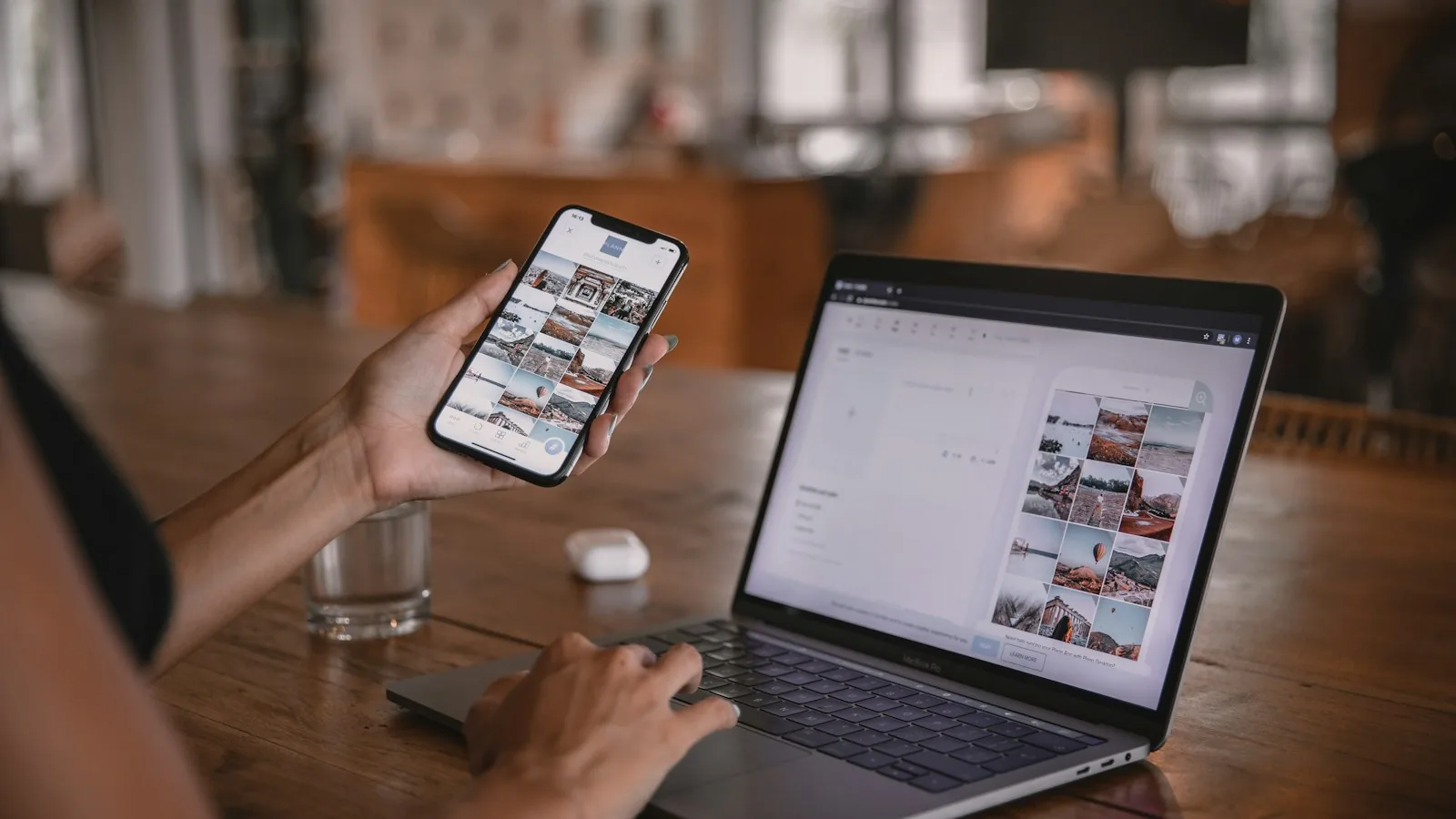
“Should we build an app?” is really two separate questions: what kind of app, and for whom. Native and web apps solve overlapping problems in different ways, and the wrong pick early on is expensive to reverse later.
What Each One Actually Is
A native app is built specifically for one platform, iOS or Android, using that platform’s own tools. It’s installed from an app store and can use the phone’s hardware directly: camera, GPS, push notifications, offline storage. A web app runs in a browser, built once, and works across devices without an install. A “progressive web app” sits in between: browser-based, but installable and closer to native in feel.
When a Web App Makes Sense First
If you’re testing whether people actually want what you’re building, a web app gets you there faster and with one codebase instead of two. It’s also the better start if your users mostly reach you through search or a shared link rather than an app store search.
- You need to validate an idea before committing to a bigger build
- Most of your traffic will come from search, ads, or shared links
- You don’t need deep access to the phone’s camera, sensors, or offline features
- Budget and time are tight and you need one build that works everywhere
When Native Is Worth the Extra Cost
Native takes longer and usually costs more, because you’re often building twice: once for iOS, once for Android. It earns that cost back when the experience genuinely depends on it.
- The app needs to work reliably offline, not just load slowly without signal
- You need real-time push notifications as a core part of the product, not a nice-to-have
- Performance and smoothness are central to how the product feels, like in gaming or camera-heavy apps
- Being discoverable in the app store is itself part of your growth plan
A Middle Path
Cross-platform frameworks split the difference: one codebase that compiles down to something close to native on both iOS and Android. It’s not free of tradeoffs, but it’s a reasonable middle ground when you want native-like performance without maintaining two entirely separate apps.
Questions to Answer Before You Decide
Start with your users and what they need to do. Will they use the app daily or only now and then? Do you need features that rely on the phone itself, such as the camera, notifications or working without an internet connection? How quickly do you need to launch, and how often will you update it? What budget can you keep up for maintenance after launch, not just for the first build? Honest answers to these usually point clearly to one option.
Test the Idea Before You Build It
Many apps are built for problems nobody checked. Before spending on development, describe the idea to a small group of real potential users and ask whether they would use it. A simple clickable mock-up or a basic web page can show you where people get confused. If people do not respond to the idea in this form, a full native app is unlikely to change that.
What to Ask a Development Agency
Ask who owns the code and the app store accounts, and make sure both are in your name. Ask what happens after launch, including bug fixes, updates for new phone versions and support. Ask for a clear list of what is included and what costs extra. Ask to see similar apps they have built, and speak to a past client if you can. Put the agreement in writing before work starts.
We also wrote up what we learned about designing for the phone first, along with other lessons, in what our client projects taught us about websites, apps and branding.
The Bottom Line
Start with what the product actually needs, not what feels more impressive to launch with. Most businesses are better served validating the idea as a web app first, then moving to native once there’s real demand and a clear reason the phone’s hardware matters. If you’re not sure which side of that line you’re on, it’s worth talking through your specific use case before you brief a build. Liftup offers mobile app development in Pune.
